
- Messages
- 269
- Reaction score
- 0
- Points
- 18
Reputation:
System to Take Back Items Thrown Away or Sold to NPC
What is this system?
With this system, you can recover items that were accidentally discarded or sold to NPCs, as long as you meet the required cost.
How to use it:
Open your Inventory.
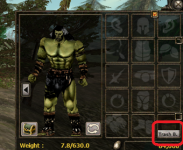
Locate the button above the Trash icon
Click the Trash B. button.
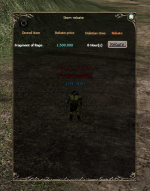
A list will appear showing the last 20 items that were discarded or sold to NPCs.
Select the item you want to recover and complete the process.
Once successful, you will receive a “Successfully Retrieved” confirmation message.
With this system, you can recover items that were accidentally discarded or sold to NPCs, as long as you meet the required cost.
How to use it:
Open your Inventory.
Locate the button above the Trash icon
Click the Trash B. button.
A list will appear showing the last 20 items that were discarded or sold to NPCs.
Select the item you want to recover and complete the process.
Once successful, you will receive a “Successfully Retrieved” confirmation message.
Last edited: